
Too many places
Photos are split between phones, chats, cloud libraries, drives, and folders.

AllPicture is the AI layer over your clouds: your originals stay put, and one private library sorts them with AI.
No photo upload · No library access · No advertising
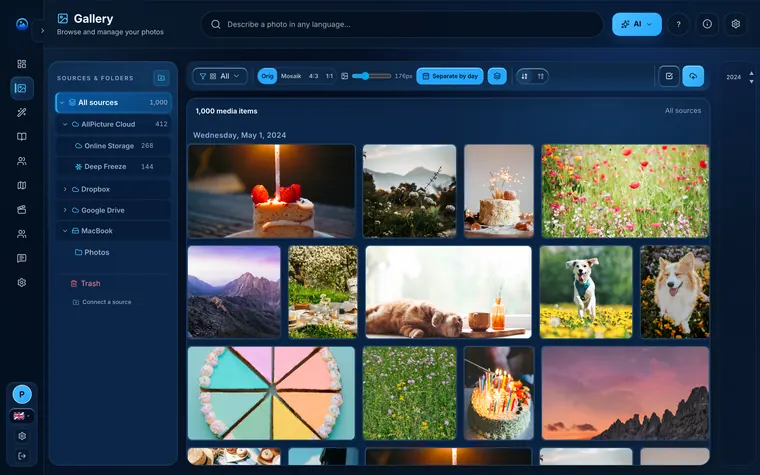
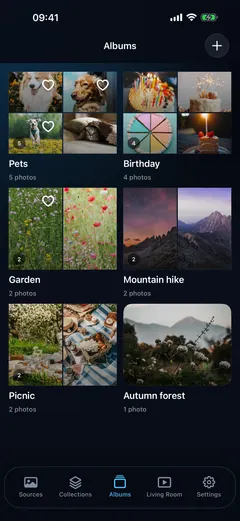
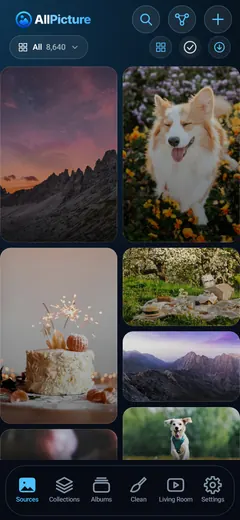
Photos are split between phones, chats, cloud libraries, drives, and folders.
Vault photos are end-to-end encrypted — only you hold the key.
Duplicates and near-duplicates hide the version you actually want to keep.
The planned journey starts with understanding the library, not deleting from it.
Browse photo cleanup answersList the phones, chats, clouds, folders, and drives that may hold your originals.
See where partial copies, duplicates, screenshots, and uncertain backups make the archive hard to trust.
Review changes with originals and current backups still in place.


The intended journey
This preview explains the direction AllPicture is being built toward: map where memories live, make overlaps visible, and keep every cleanup decision reviewable.


Protection and processing depend on the feature, device, and upload path. Review the privacy information before enabling a feature.
Answer-first pages for high-intent searches about duplicates, chat-app clutter, private AI, huge libraries, old drives, and cancellation safety.
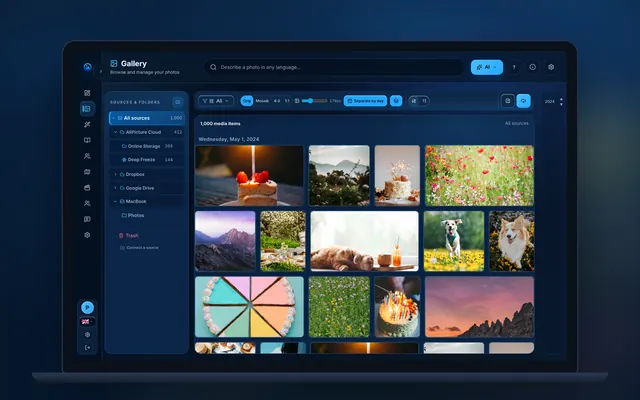
Multi-source photo library cleanup
If your photos are spread across Dropbox, iPhone, iCloud, Google Photos, and old drives, start with a simple inventory. List where photos live, note duplicate folders, identify missing date ranges, and choose one folder structure before deciding which tools or workflows belong in your photo organization process.
Read answer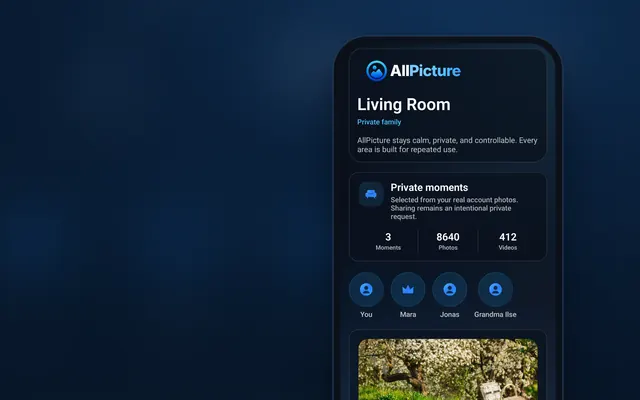
No-upload photo planning
Start with a source map before any upload: list phones, cloud libraries, old drives, shared albums, and the cleanup decisions that feel risky. AllPicture is built around this no-upload first step.
Read answer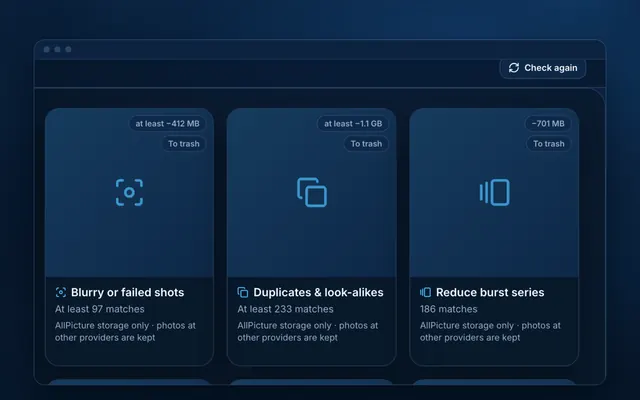
Cross-cloud duplicate photo cleanup
To remove duplicates safely, compare photos across every source, rank the best version by quality and metadata, keep originals intact until reviewed, and hide lower-quality copies from the main library instead of deleting blindly.
Read answerA simple next step
Sign up with your email to get started. Signing up needs no photo upload or library access.


