







AllPicture
Sign up

Features

Explore photo cleanup, duplicate detection, mobile access and the processing choices available for each feature and release.

  • All your sources in one placeGoogle Drive, Dropbox, OneDrive, iCloud, Google Photos, phone camera rolls, and drives.
  • Automatic cleanupScreenshots, receipts, and blurry shots are moved out of the way.
  • Duplicate detectionThe best version stays; near-identical copies are grouped together.
  • AI-assisted organizationAvailability and processing location depend on the feature and are described before use.
  • People & facesPeople-related features are subject to separate availability and privacy controls.
  • Places & mapEvery geotagged photo placed on one interactive map.
  • Albums & smart collectionsAuto-built collections plus albums you curate yourself.
  • EncryptionSecure Vault and encrypted desktop sync are end-to-end encrypted; other paths depend on the selected feature and upload path.
  • Photo & video editorEditing options depend on the release; review the feature information before use.

Built for automatic picture cleanup.

AllPicture is not another dumping ground. It is a cleanup system for scattered, duplicate, cluttered libraries.

Automatic photo cleanup across phones and cloud folders

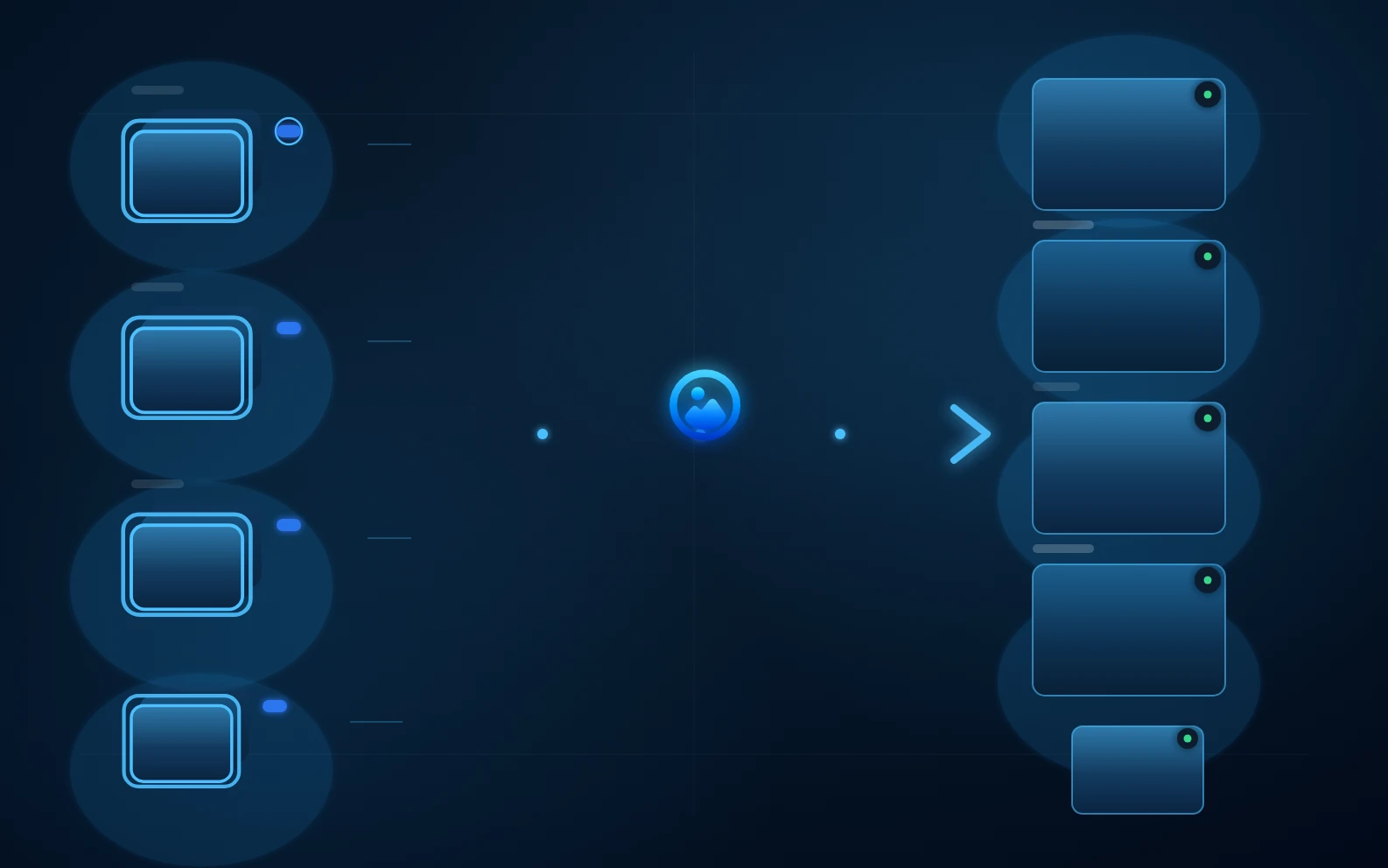
Connect the clouds and devices you already use. Your originals stay where they are; AllPicture indexes the chaos and builds one clean picture view.

Duplicate detection and best-version selection

Originals, compressed chat copies, resized files, and repeated bursts are compared so the best version stays visible.

Smart mobile access without filling the phone

Fast smart previews keep huge libraries available on mobile while originals stay protected where they belong.

Supported sources

Connect Google Drive, Dropbox, and OneDrive for continuous sync; add iCloud Photos, local folders and external drives through the desktop app; bring in phone camera rolls with the iOS and Android apps; and import Google Photos by picking photos or uploading a Google Takeout export.

Phone pictures
Google Drive
Dropbox
Google Photos
iCloud
OneDrive
Local drives

Bring order to your photo mess

Create your free account before connecting any photo source. Signing up needs no photo upload or photo-library permission.
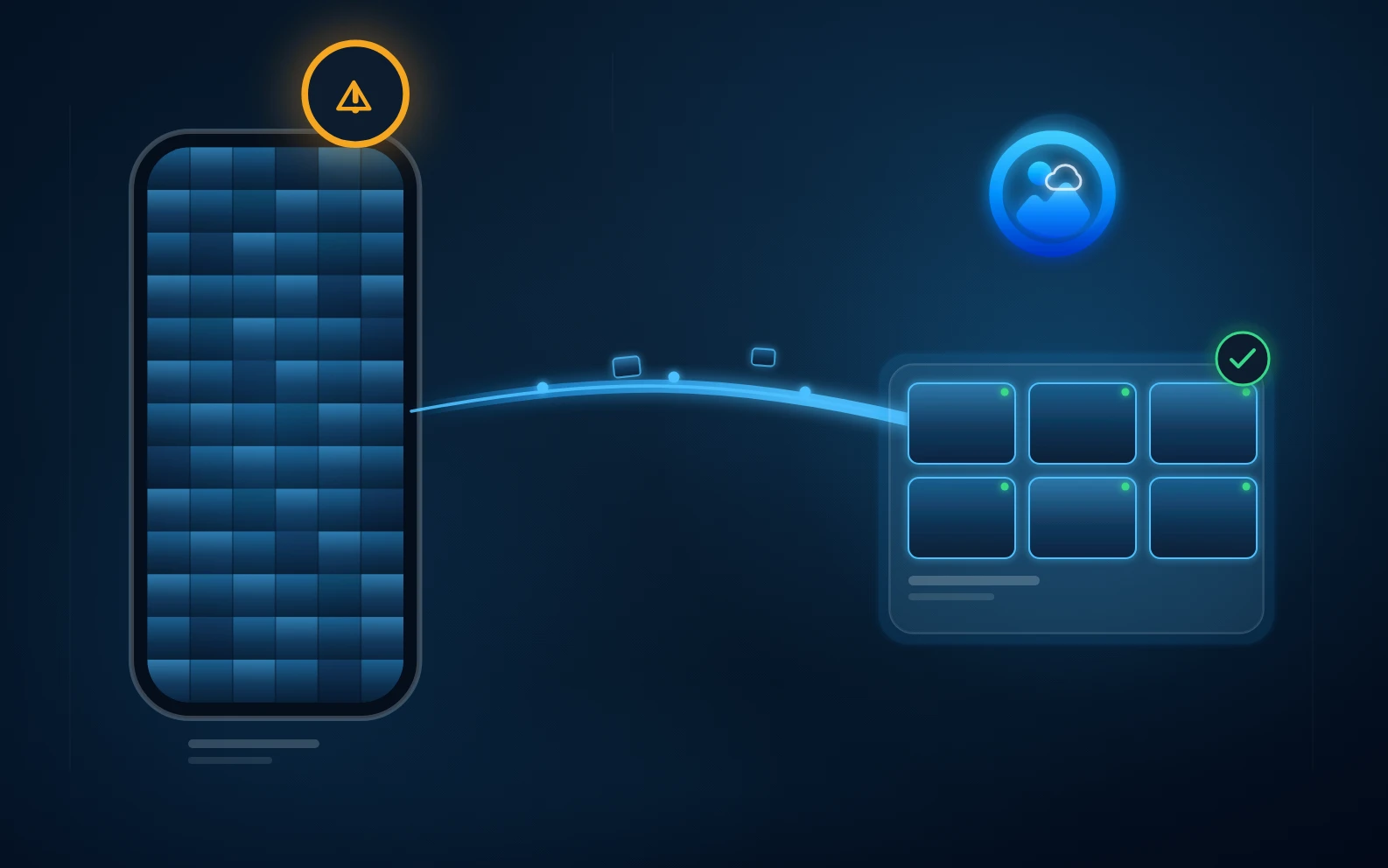
  • Built for scattered memories across phones, chats, clouds, and drives.
  • Signing up requires no photos and no access to your library.
  • Start free; you decide which photo sources to connect.
Read the answer hub first
Create your account